WordPress
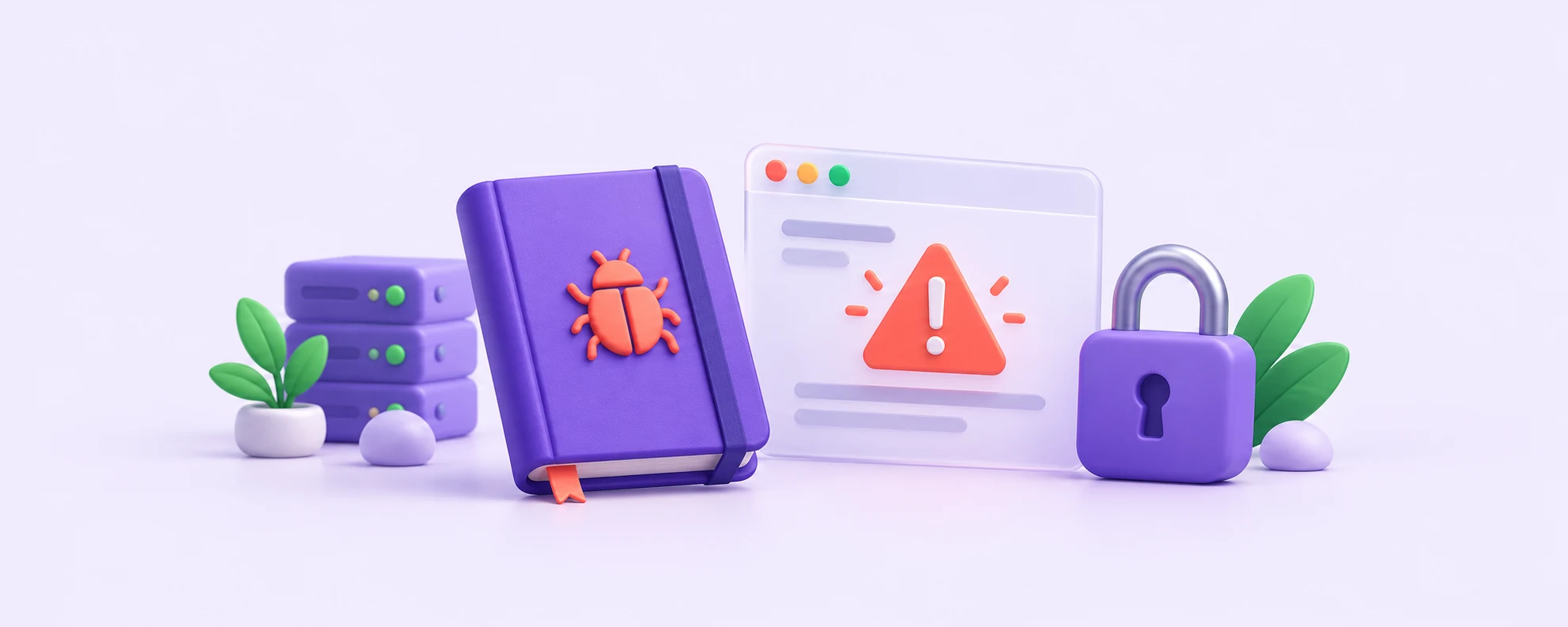
After a WordPress update breaks your site: use the debug log safely
Critical error after an update? Collect a private WordPress log, interpret the fatal error carefully, isolate the suspected component and clean up safely.
Stories and guides about troubleshooting.
64 articles
Critical error after an update? Collect a private WordPress log, interpret the fatal error carefully, isolate the suspected component and clean up safely.
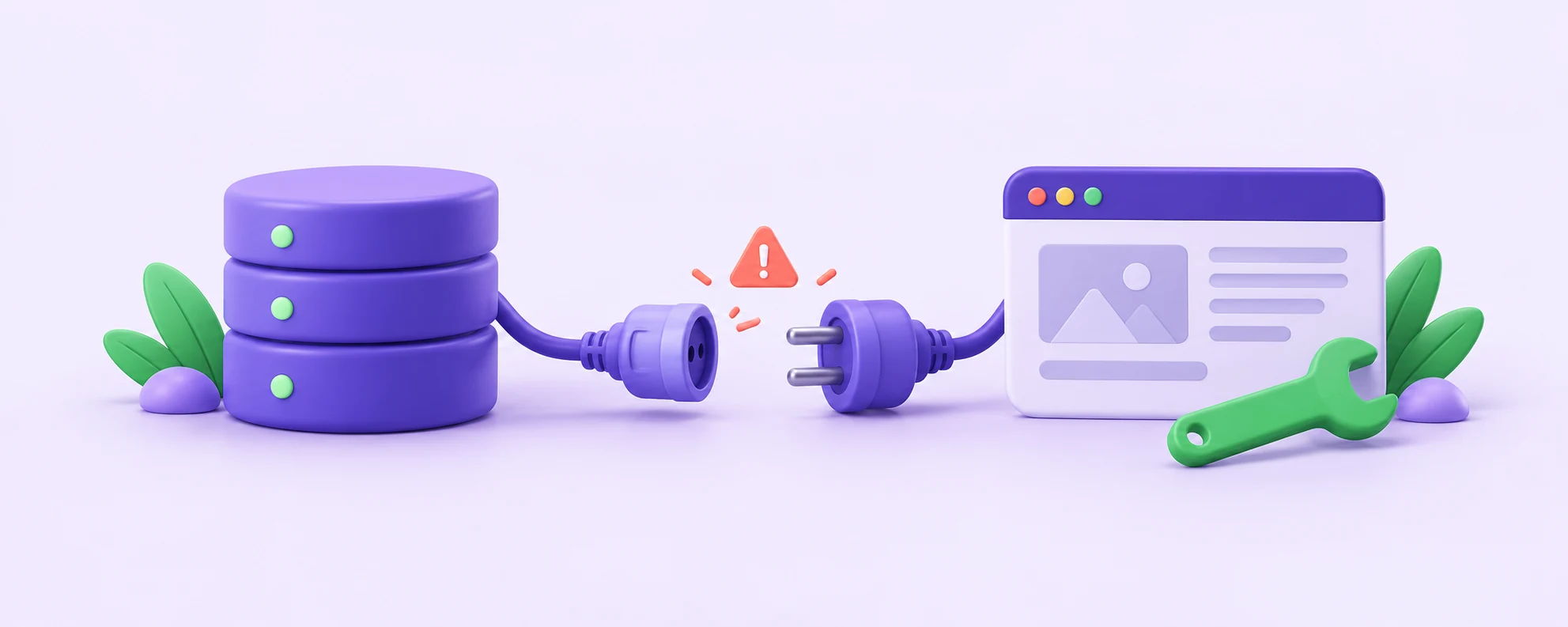
WordPress database connection error? Diagnose credentials, host/socket access, privileges and table health before changing passwords or running repairs.

Verify the 2027 certificate change, audit Certbot and AutoSSL, check CDN and origin certificates separately, and monitor trust, hostname and expiry.
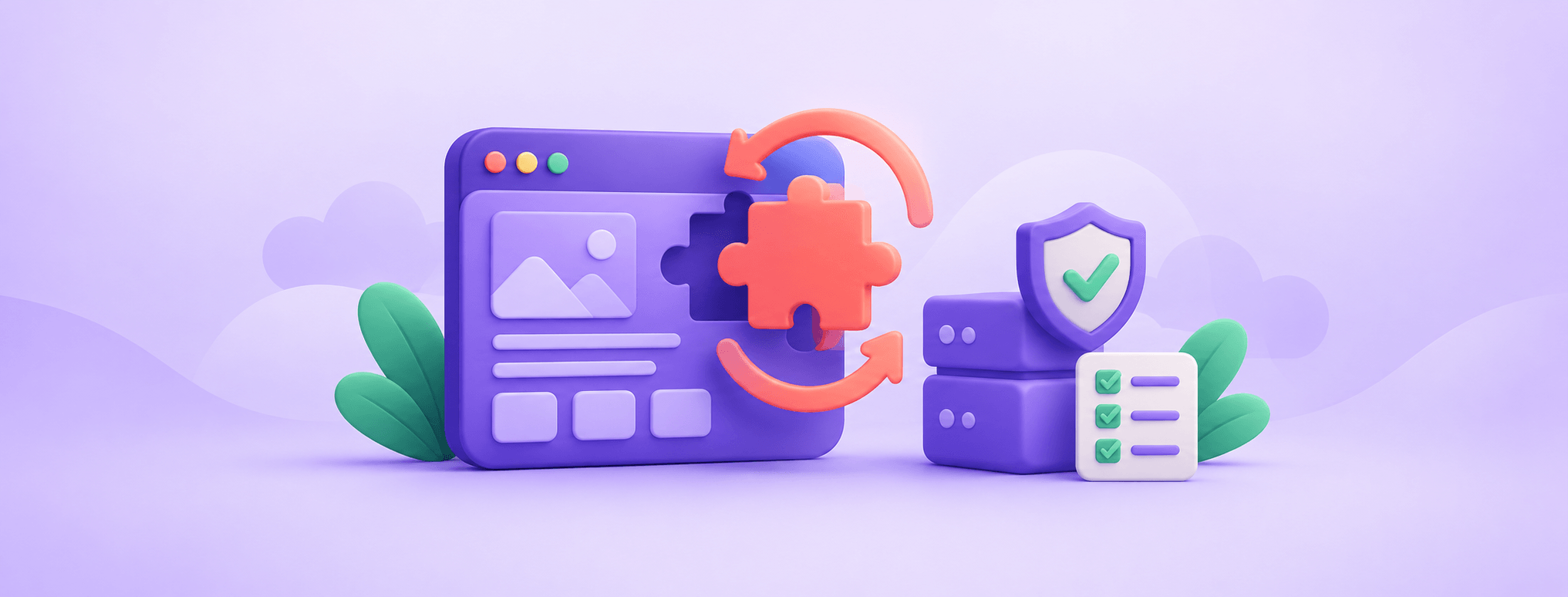
Choose an update policy per plugin, verify WP-Cron, keep backups outside the public website, and test the business functions that automatic rollback cannot check.
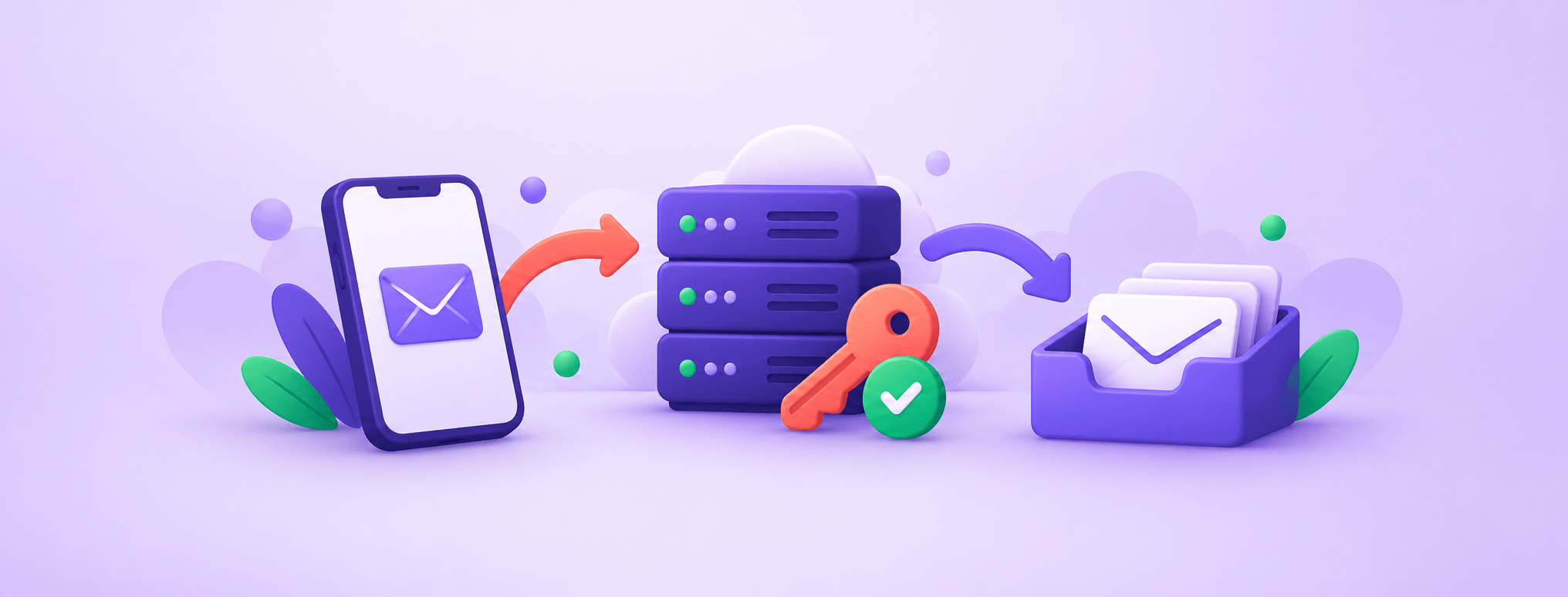
Create the mailbox, copy secure settings from Connect Devices, add it to iPhone or Android, and separate password, SMTP, certificate and MX routing failures.
Read the historical WordPress 7.1.3 release context, check whether your site is still on it, and move to the current stable release with backup and verification.
Stop typing your cPanel password into a terminal. Generate or import an SSH key, authorize it, and log in safely from macOS, Linux or Windows PuTTY.

Cloudflare's 13 October RUM update adds LCP and INP sub-parts. Find the slow phase, handle API units correctly, and choose a fix using evidence.
Cloudflare's browserTool keeps tabs between turns, not forever. Plan for lost logins, shared cookies and interrupted actions before business use.
Explore hosting built for your next chapter.