WordPress
WordPress Auto-Updates: A Backup, Checkout Test and Rollback Plan
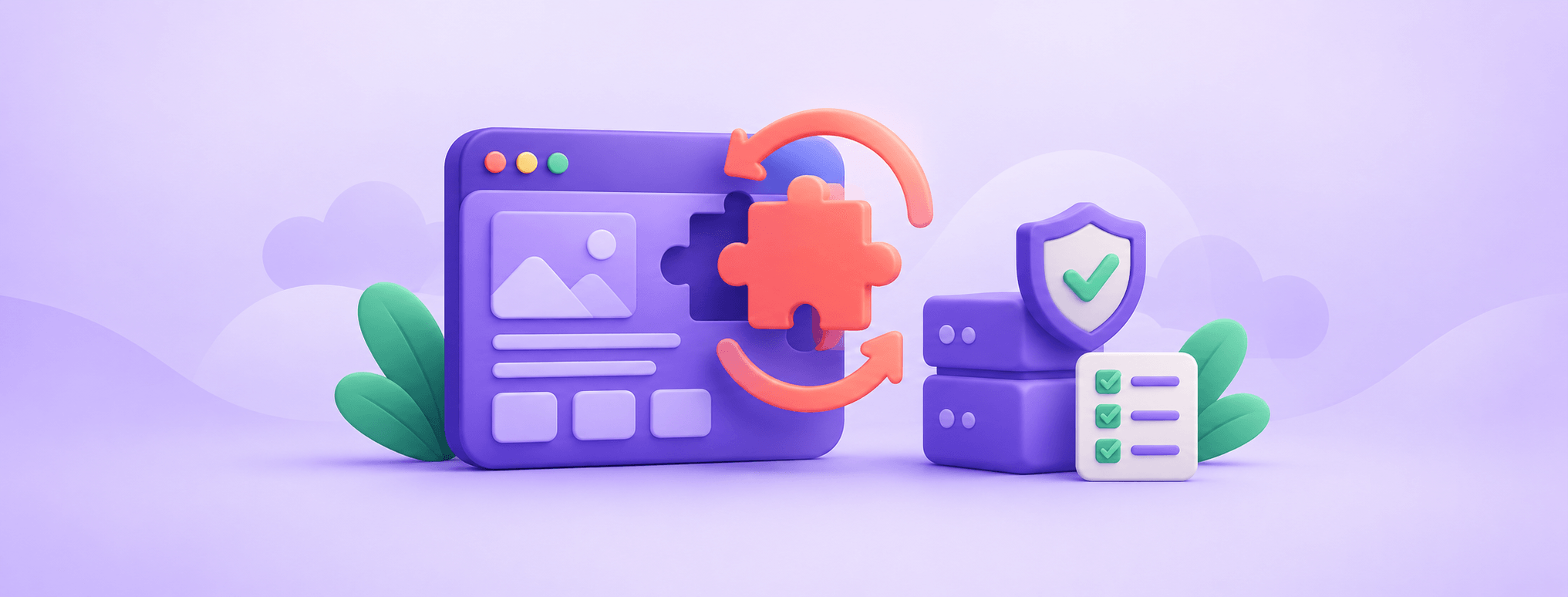
Choose an update policy per plugin, verify WP-Cron, keep backups outside the public website, and test the business functions that automatic rollback cannot check.
 BlogVisit Hostlelo
Stories and guides about wordpress.
40 articles
Choose an update policy per plugin, verify WP-Cron, keep backups outside the public website, and test the business functions that automatic rollback cannot check.
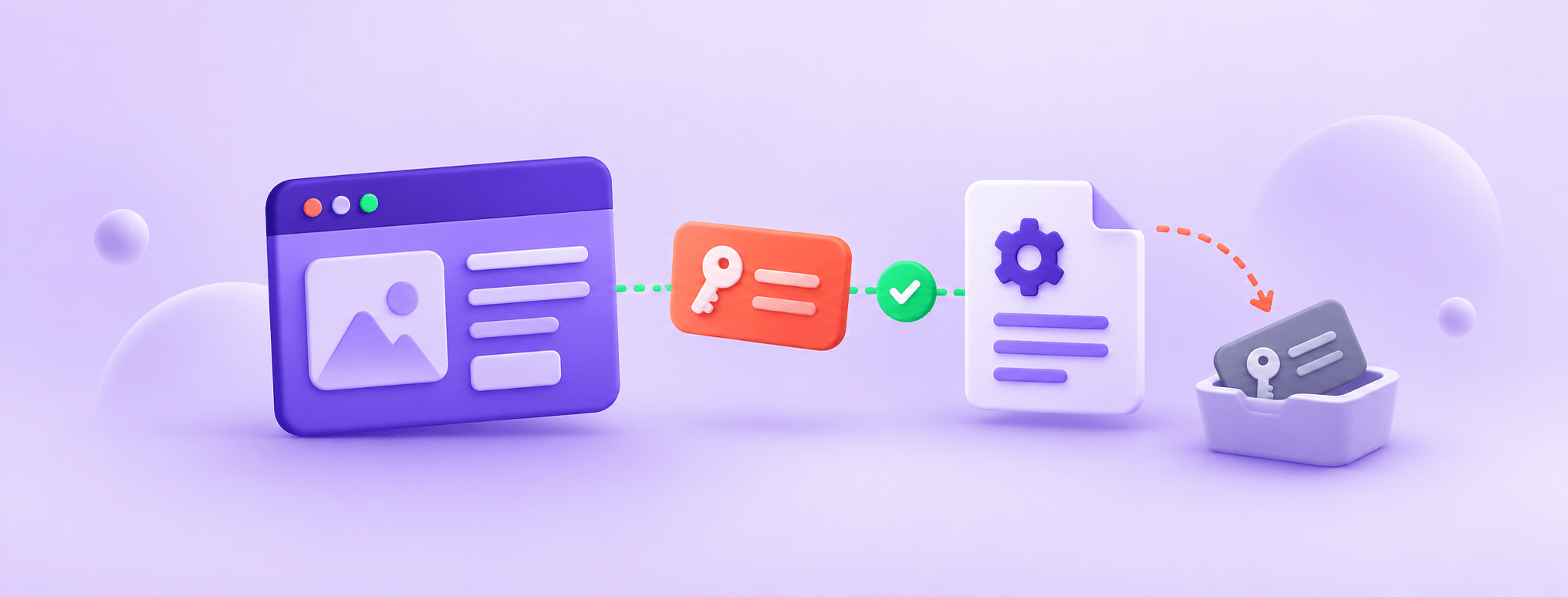
Give each integration a revocable API credential, choose the user's capabilities first, create a draft and verify that a revoked password stops working.
WordPress 7.1.3 shipped on 6 October with seven security fixes. Confirm your site really updated, find why auto-update skipped it, and fix it safely.
Changed php.ini but WordPress still shows 2MB? Check effective web PHP values, the cPanel domain, Multisite policy and HTTP 413 before changing more settings.

Set up a cPanel cron runner for WordPress with correct paths, useful logs and safe configuration. Verify real tasks and diagnose overlap or blocked requests.
Create security.txt with a real reporting contact and expiry. Check the correct host, plain-text response and file contents, then keep the channel current.
Make the WordPress object cache persistent with Redis: install it, lock it to 127.0.0.1, add safe wp-config constants, enable the plugin and test.
MySQL 8.0 and MariaDB Community Server 10.6 are end of life. Check your WordPress database version safely, export first, and ask your host for a supported upgrade path.
An update does not prove your files are clean. Check WordPress core and plugins against WordPress.org checksums with WP-CLI, then fix failures safely.
Explore hosting built for your next chapter.