

Web hosting
Fix "Error establishing a database connection" in WordPress
WordPress database connection error? Diagnose credentials, host/socket access, privileges and table health before changing passwords or running repairs.
Stories and guides about mysql.
7 articles
WordPress database connection error? Diagnose credentials, host/socket access, privileges and table health before changing passwords or running repairs.

Make the WordPress object cache persistent with Redis: install it, lock it to 127.0.0.1, add safe wp-config constants, enable the plugin and test.

MySQL 8.0 and MariaDB Community Server 10.6 are end of life. Check your WordPress database version safely, export first, and ask your host for a supported upgrade path.

Measure WordPress autoloaded options without exposing their values. Learn how version-specific flags work, what Site Health’s warning means, and how to investigate safely.
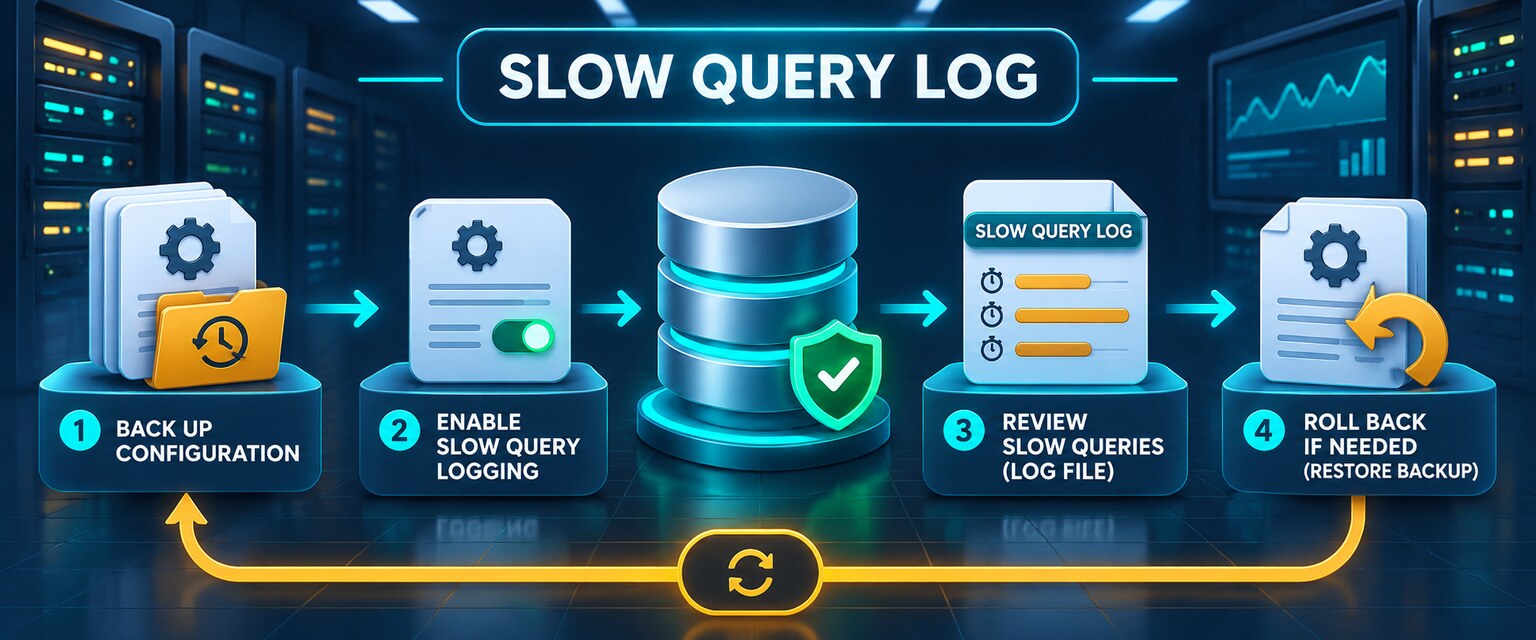
A slow WordPress site often has two or three bad queries behind it. Turn on the MySQL slow query log in WHM or my.cnf and let it name them in one afternoon.

Copies on the same server are not backups. Set up restic for encrypted, deduplicated, off-server snapshots of your site files and database, then test a restore.

The official WordPress Docker example still uses MySQL 8.0. Build a compose.yaml with MariaDB LTS, a healthcheck, secrets, named volumes and HTTPS instead.
Explore hosting built for your next chapter.