
WordPress
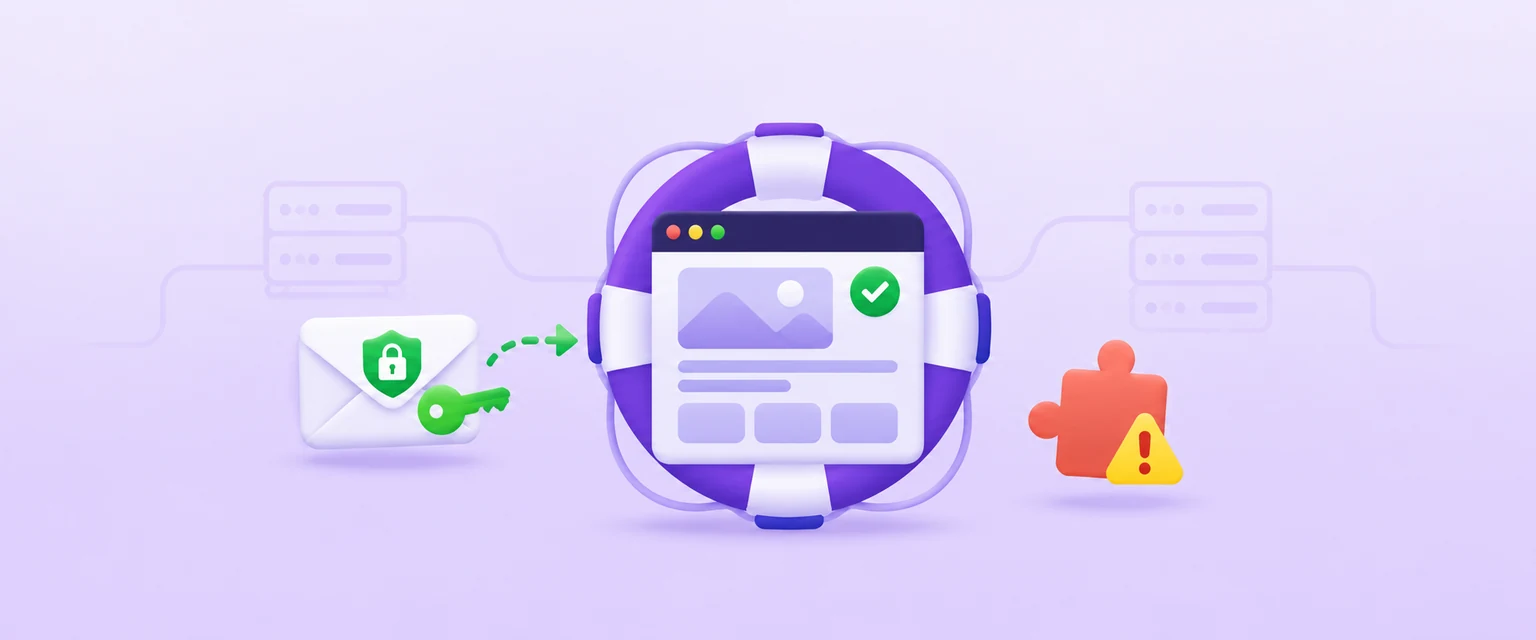
Set Up WordPress Recovery Mode Email Before a Crash Happens
The Recovery Mode link only helps if its email reaches you. Check the admin address, ask your host about server mail and keep a plan B ready.
Practical steps for building, moving, securing, and improving your website.
182 articles
The Recovery Mode link only helps if its email reaches you. Check the admin address, ask your host about server mail and keep a plan B ready.

Give your site a free support@ address that forwards to your inbox. Check MX first, merge SPF into one record, add the rule, then test it the right way.
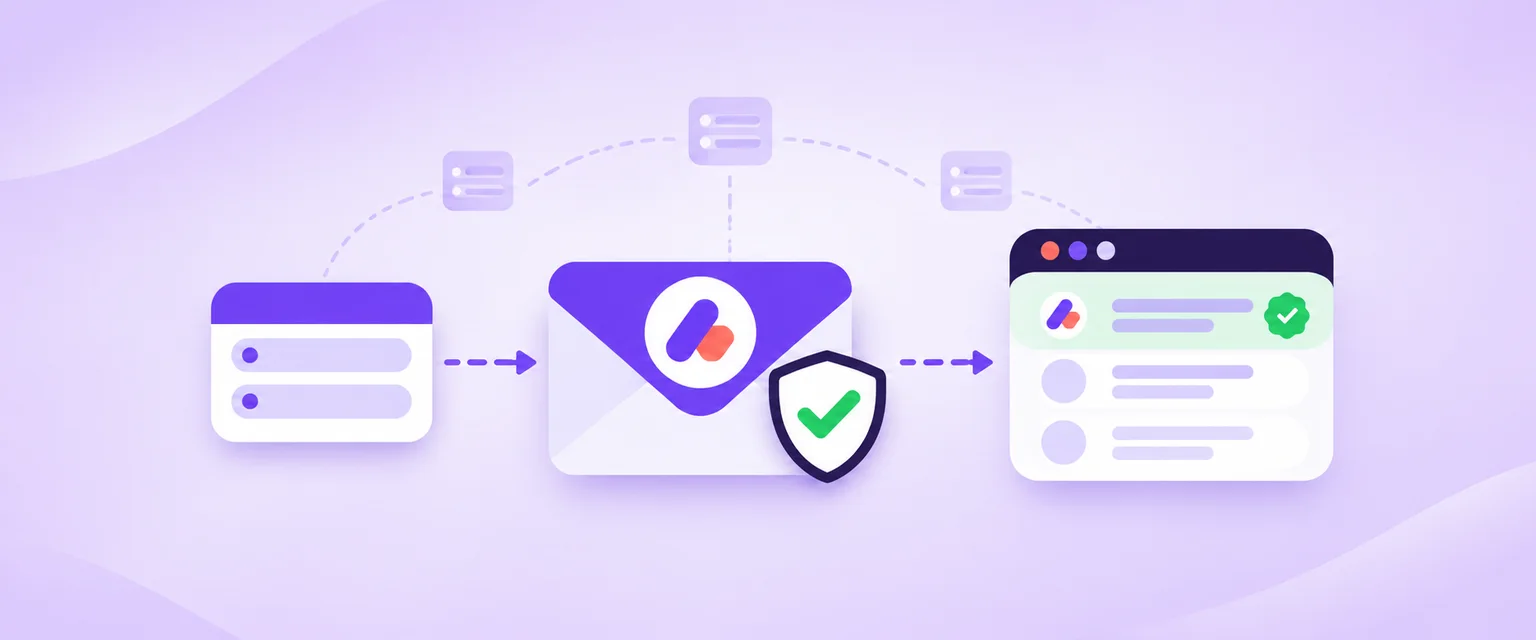
Get your logo next to your emails in Gmail: enforce DMARC, build an SVG Tiny PS logo, get a VMC or CMC, and publish a BIMI TXT record you can test with dig.
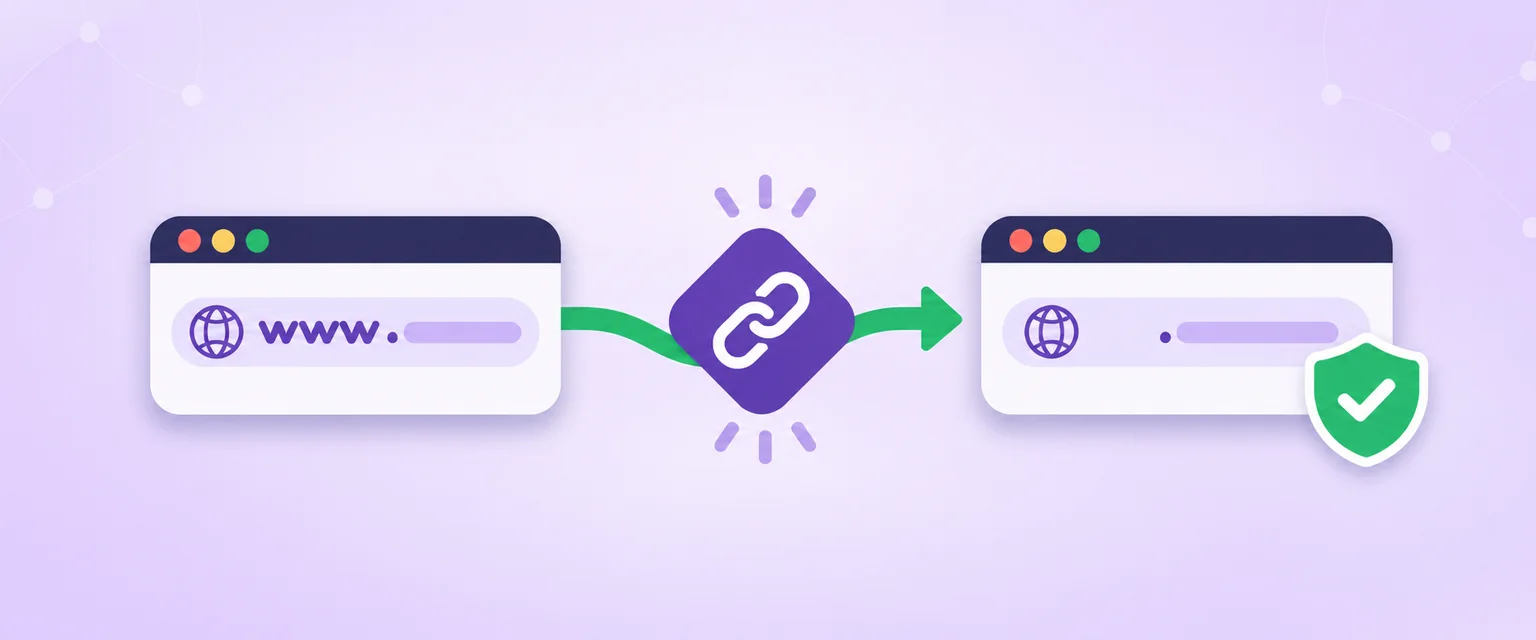
Choose www or the bare domain, then send every other version there with one 301. Copy-paste rules for .htaccess and Nginx, plus curl checks and loop fixes.
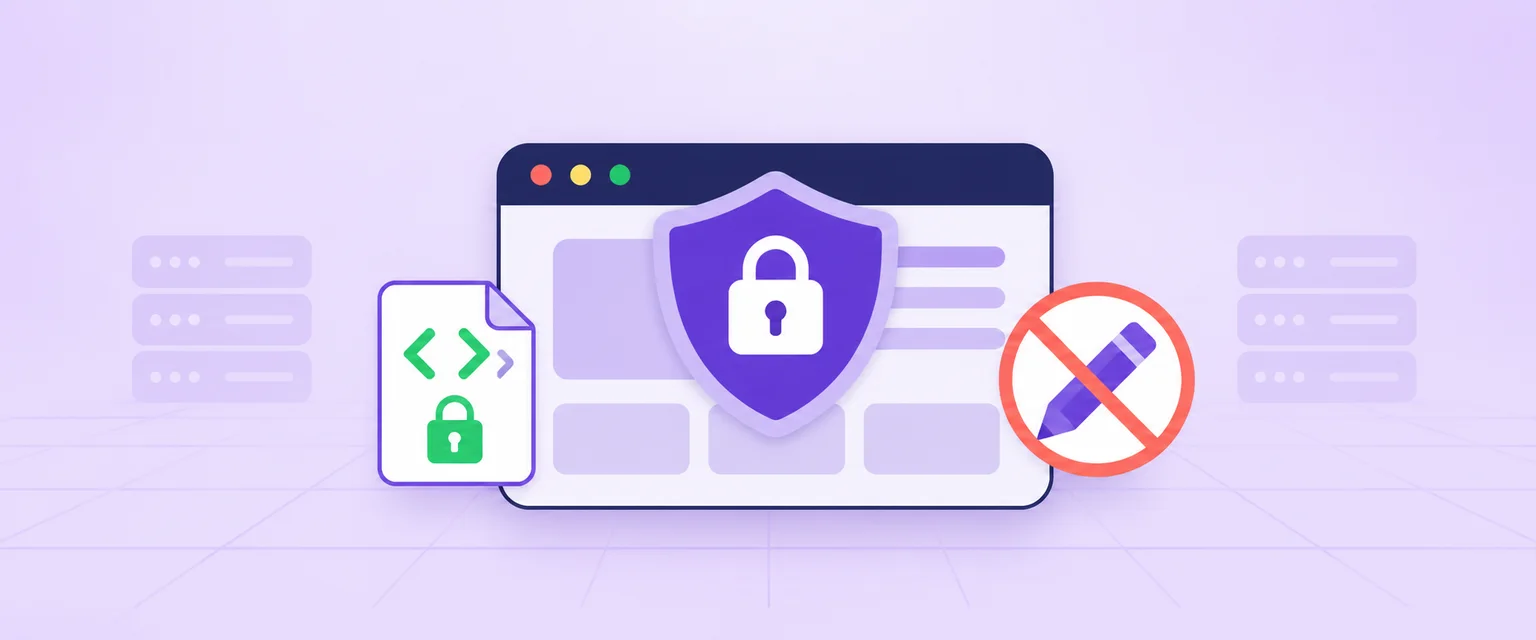
Add one line to wp-config.php to remove the WordPress plugin and theme code editors, decide on DISALLOW_FILE_MODS, and protect the config file itself.
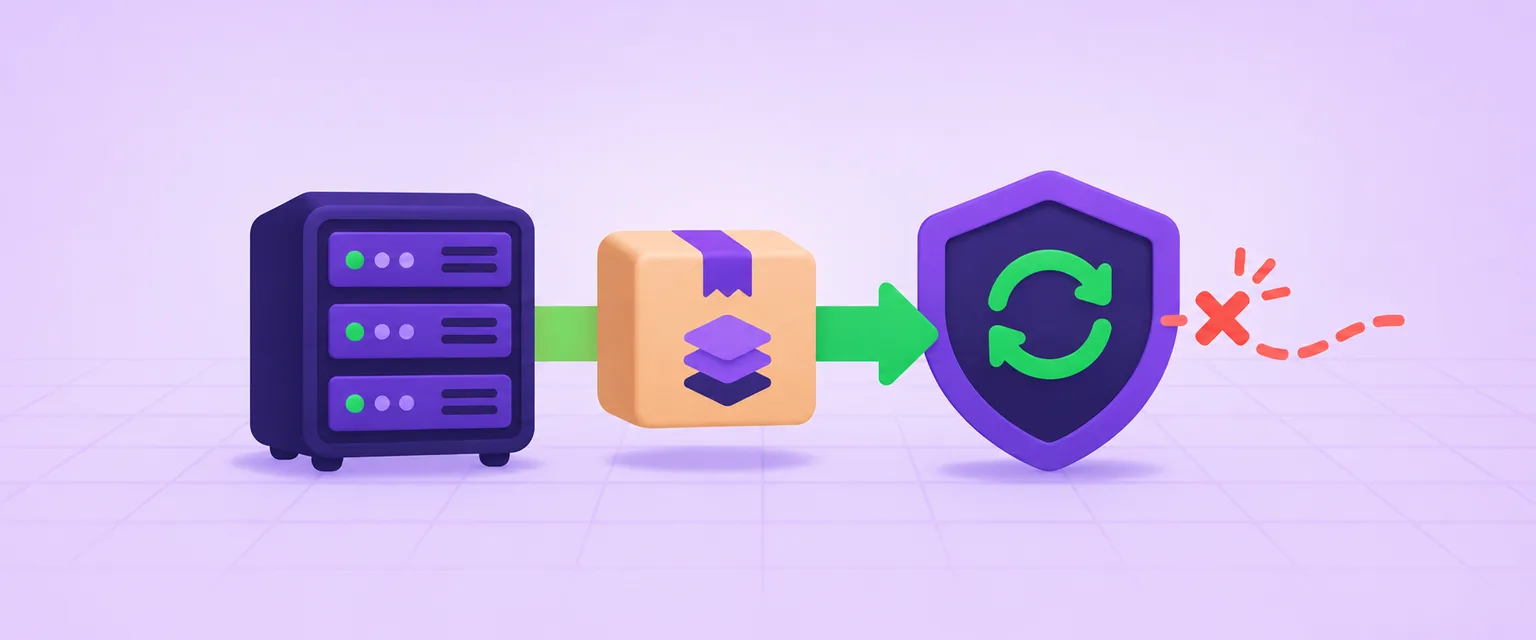
A rogue mirror or proxy could get an unverified package installed as root through APT. Here is how to patch, verify the version and automate the next fix.

Would you notice if your nameservers changed tonight? A ten-minute drill to verify delegation, read lock codes, harden your registrar and watch NS daily.
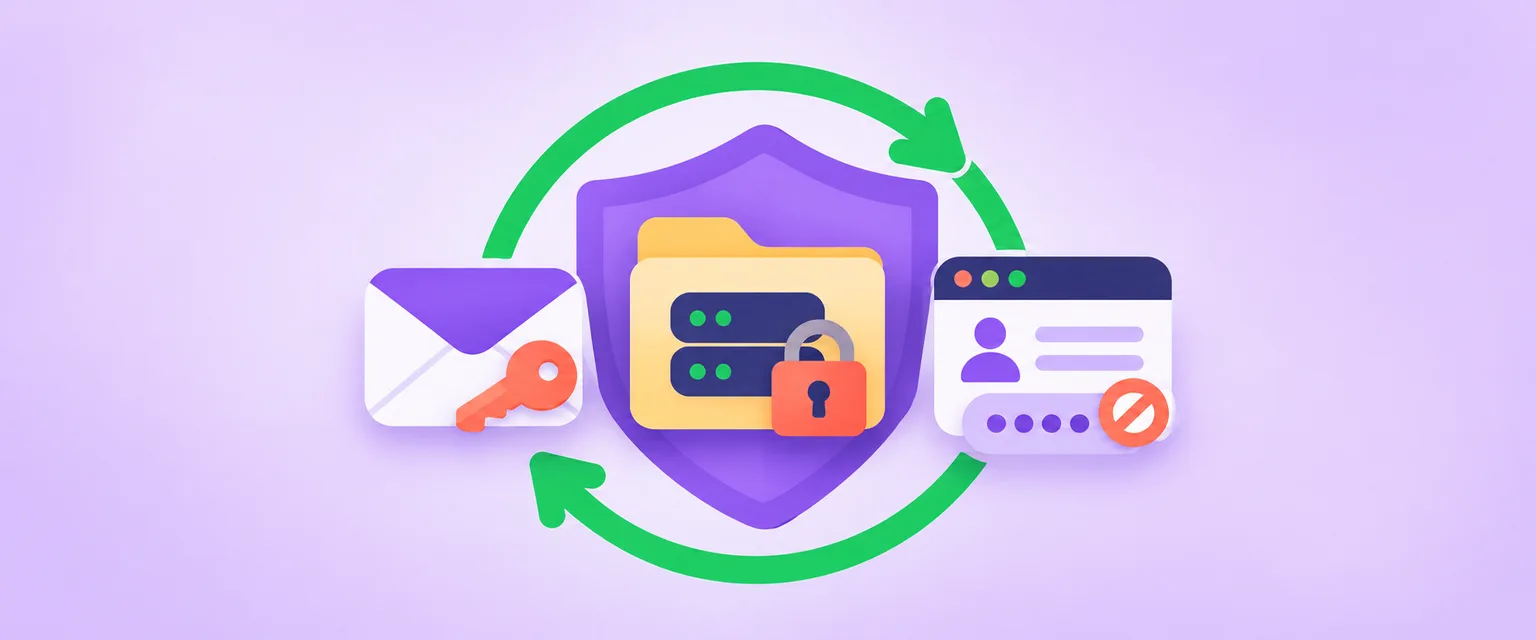
Your host reported an incident. Here is the order to change mailbox, FTP and WordPress logins, remove hidden forwarders and end sessions that outlive passwords.

cPanel patched its internal PHP for two critical RCE flaws on 21 October, then fixed SOAP in PHP 7.4 to 8.1 on 4 November. Here is how to check both on WHM.
Explore hosting built for your next chapter.