

WordPress
How to Fix Mixed Content Warnings After Moving WordPress to HTTPS
Find insecure resource requests after a WordPress HTTPS move, protect your backup, fix stored URLs, and verify important pages in DevTools and with curl.
Explore every story, find a practical guide, or follow your curiosity.
206 articles
Find insecure resource requests after a WordPress HTTPS move, protect your backup, fix stored URLs, and verify important pages in DevTools and with curl.

Configure HTTP 503 maintenance with Retry-After, no-store caching, Apache/Nginx rules, Express middleware, a Cloudflare edge fallback and recovery checks.

Two critical PHP bugs allow remote code execution without login. Check your PHP version, update in cPanel, Plesk or Ubuntu, and apply stop-gaps if needed.

An old CNAME pointing at a deleted service can let a stranger claim your subdomain. Export your zone, check every target, and delete the dead records safely.
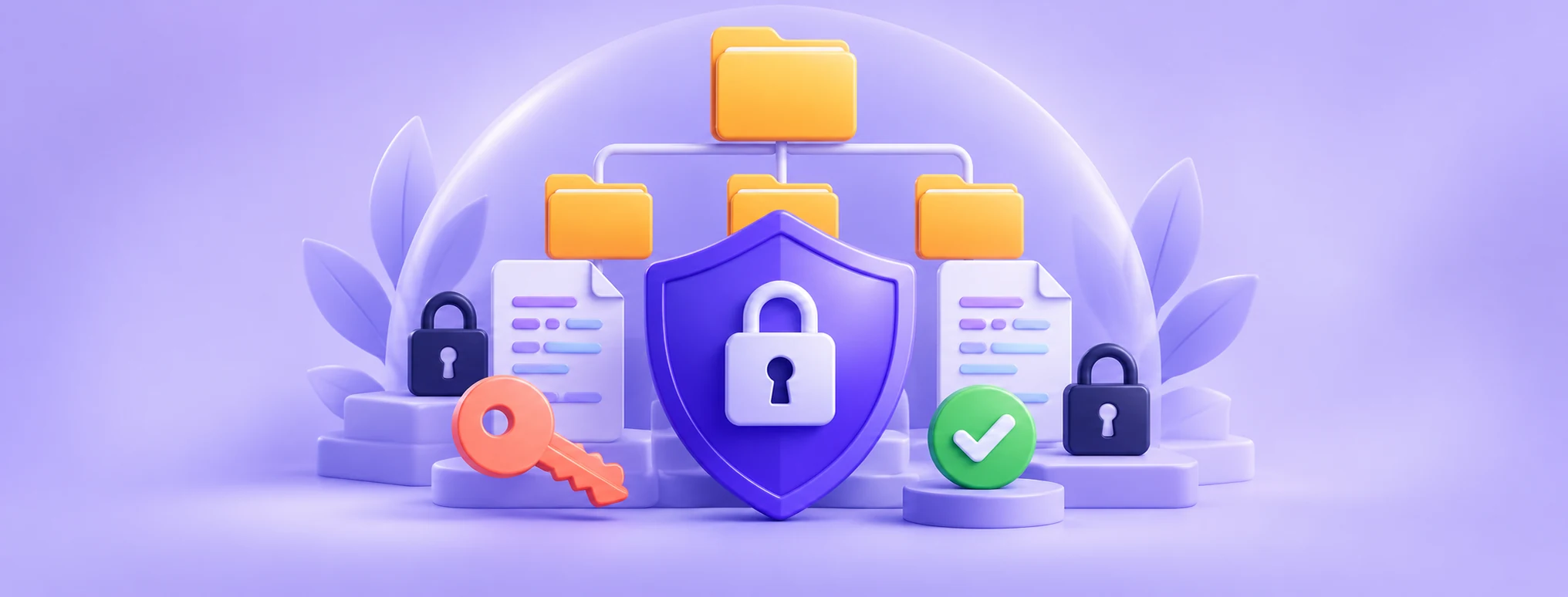
Patch PHP first, then audit WordPress permissions and file-editor access. Keep wp-config backups private and apply server rules only after checking your setup.
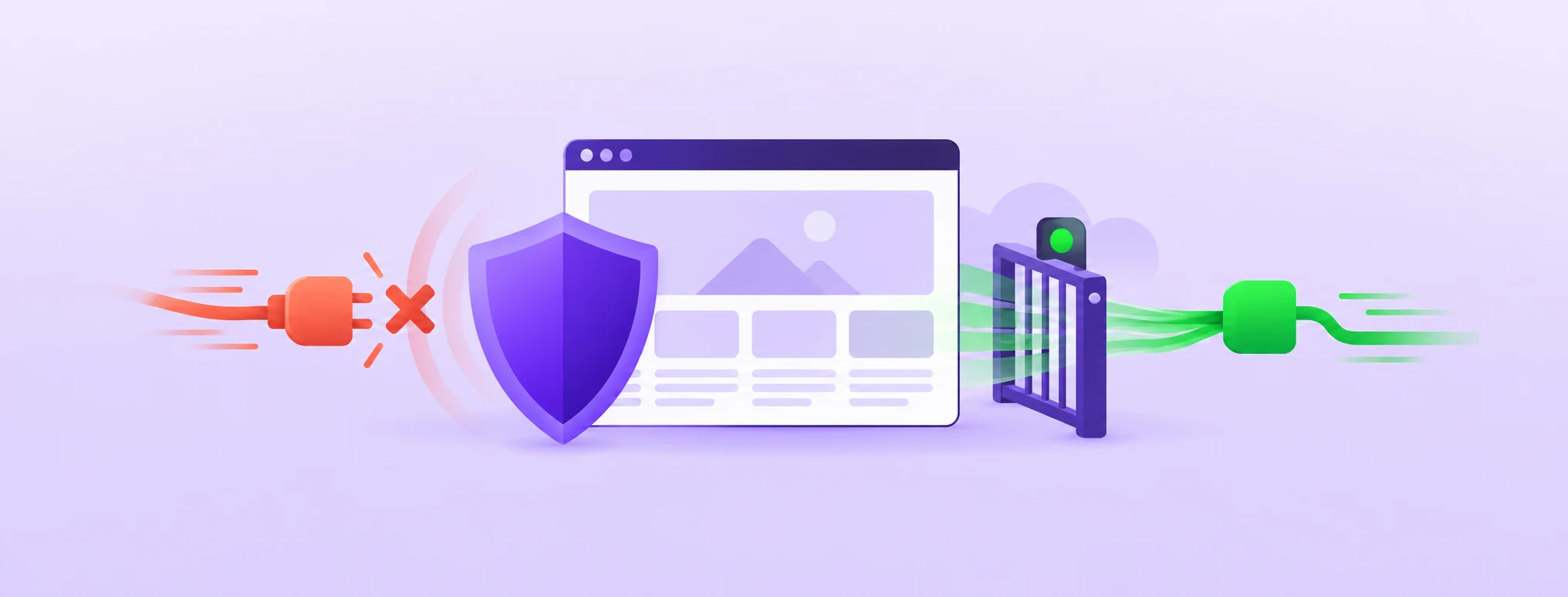
Check whether Jetpack or a mobile app needs xmlrpc.php, then block or rate-limit it at the server and verify the response and dependent apps.

Find the sitemap WordPress already made, test it with curl and URL Inspection, submit it in Search Console, and learn what each status in the report means.
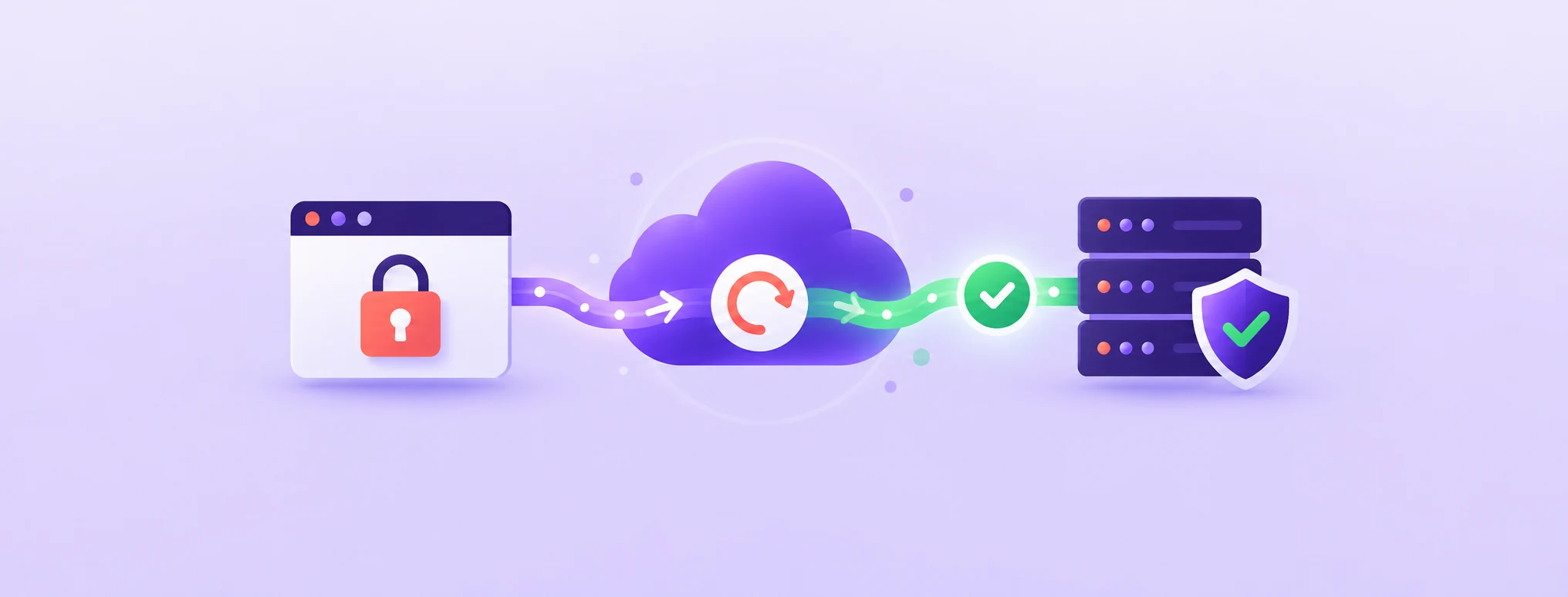
Flexible mode plus an origin HTTPS redirect causes many Cloudflare loops. Learn to switch to Full (strict), inspect every redirect layer and choose one clear HTTPS policy.

Clone your WordPress site to a locked staging subdomain, run 7.2 Beta 1 there, find the plugin or theme that breaks and roll back safely before 8 December.
Explore hosting built for your next chapter.