

DNS & security
Rotate DKIM to 2048-bit Keys Safely
Move from a 1024-bit to a 2048-bit DKIM key with a verified selector transition, a provider-specific rollback plan and enough overlap for delayed verification.
Explore every story, find a practical guide, or follow your curiosity.
207 articles
Move from a 1024-bit to a 2048-bit DKIM key with a verified selector transition, a provider-specific rollback plan and enough overlap for delayed verification.
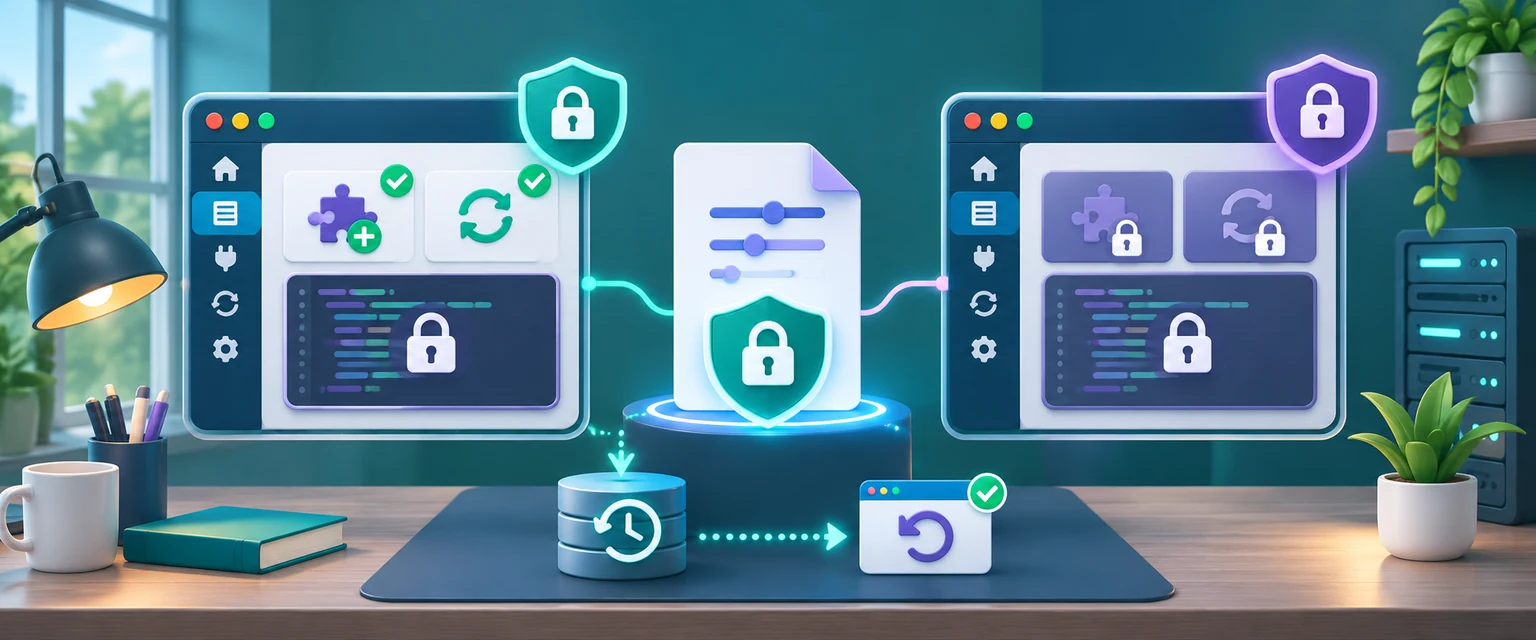
One line in wp-config.php removes the WordPress code editor, but the stronger constant also blocks plugin updates. Here is how to pick and apply the right one.
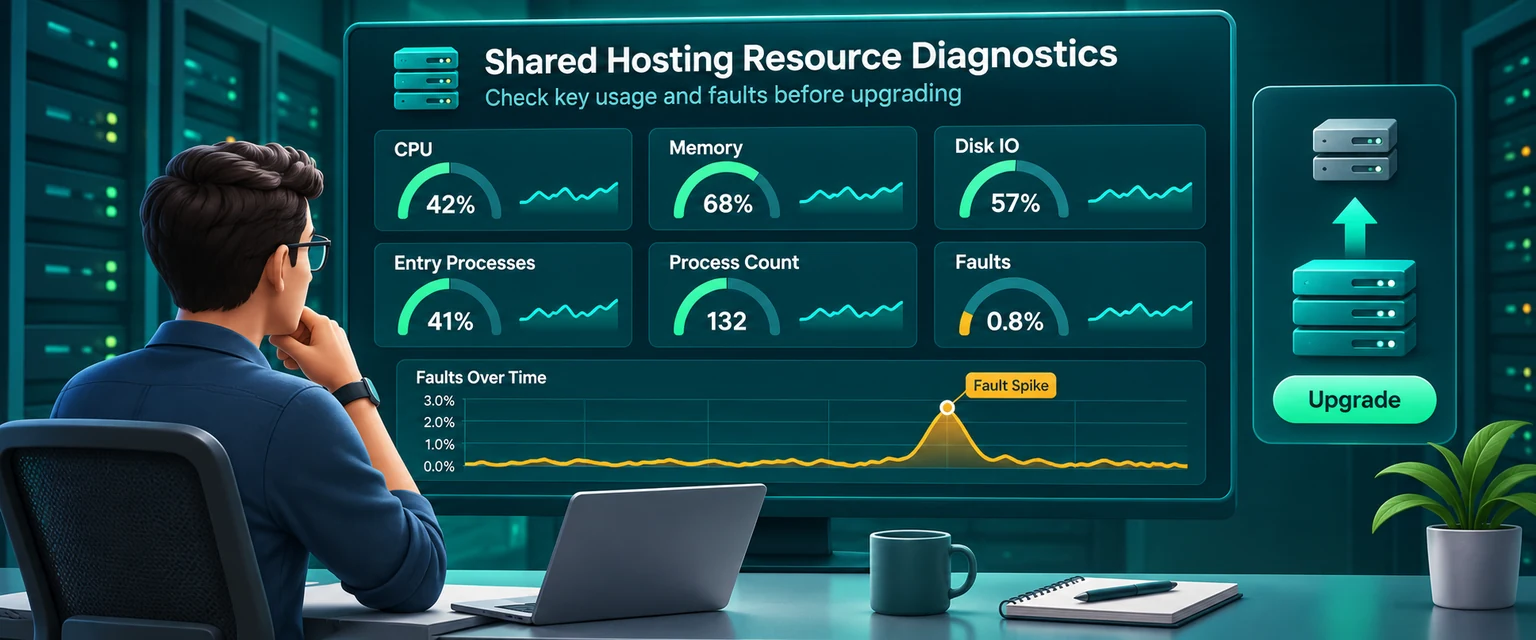
Before you pay for a bigger plan, read the CPU, memory and entry process charts and fault snapshots to see which limit your site really hits on CloudLinux.
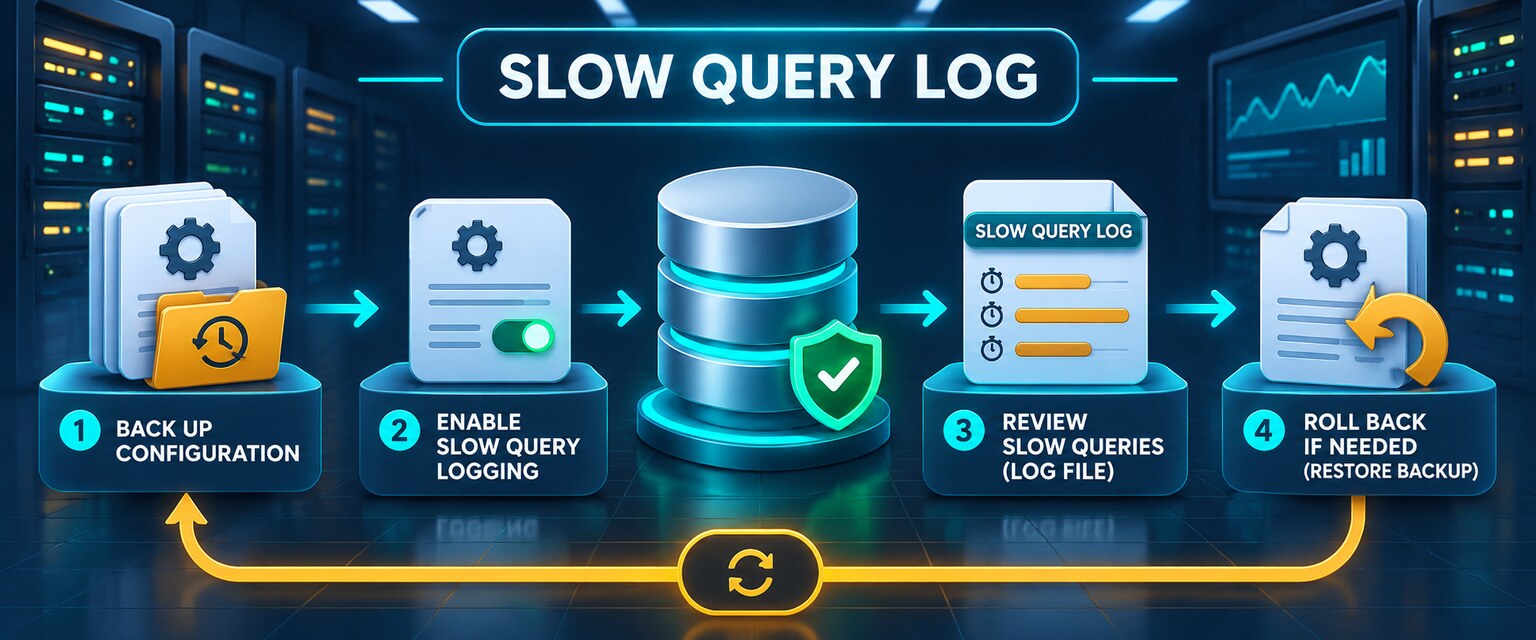
A slow WordPress site often has two or three bad queries behind it. Turn on the MySQL slow query log in WHM or my.cnf and let it name them in one afternoon.

Email slow or never arrived? Count and read the Exim queue on cPanel, spot spam runs and bounce floods, and clear them safely with WHM or Track Delivery.

Read the Site Health screen like a hosting engineer: which critical items to fix today, which recommendations can wait, and what to ask your host for.

WP-Cron only runs when someone visits your site, so scheduled posts and backups can run late. Here is how to hand the schedule to a real server cron job.

Sign your zone in the cPanel Zone Editor, then publish the matching DS record at your registrar. Step by step, with dig checks and safe ways to back out.

A stolen hosting password can be enough to take over a site. Add a six-digit code from your phone to cPanel and WHM logins, and plan for a lost phone.
Explore hosting built for your next chapter.